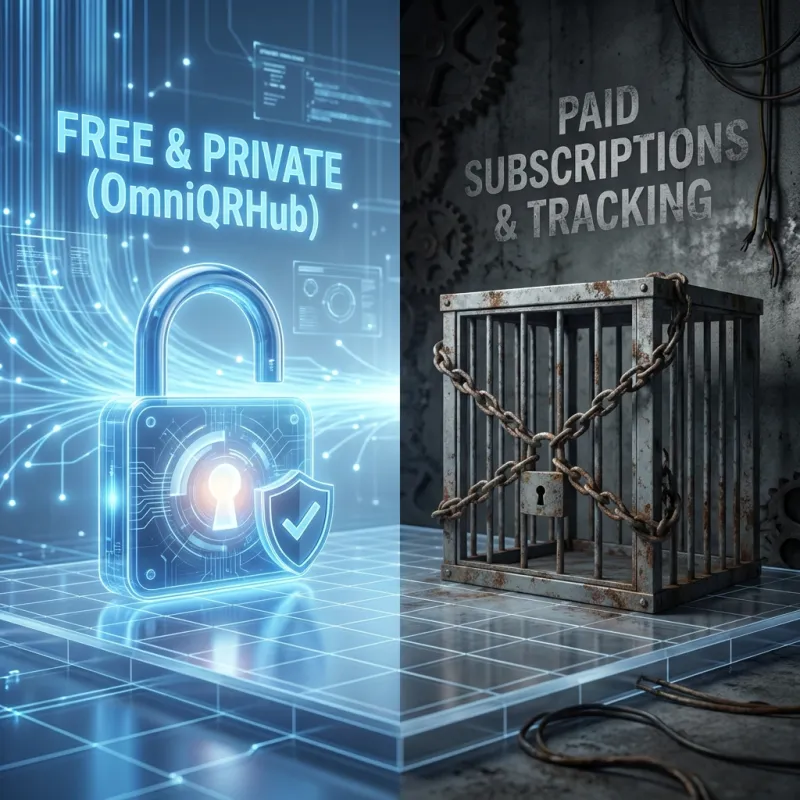
When you use a typical QR code generator, what happens when you hit "Generate"? In most cases, your data (your vCard details, your private Wi-Fi password, your crypto wallet address) is packaged up and sent to a remote server. The server generates the image and sends it back. But what happens to your data? Often, it's stored, analyzed, and sometimes even sold.
The Client-Side Revolution
OmniQRHub is built differently. We utilize modern WebAssembly and JavaScript to perform 100% of the processing directly on your device. Whether you are creating a single URL or processing a batch of 500 inventory tags, not a single byte of your data ever leaves your computer.
The Benefits
- Absolute Privacy: If we don't have your data, it can't be breached or sold.
- Blazing Fast: No waiting for network latency or server queues. Generation is instant.
- Offline Capability: Since it runs in the browser, it works even if your internet connection drops.
- Compliance: It's inherently compliant with GDPR, HIPAA, and CCPA because data transmission never occurs.
Don't trust the cloud with your private data. Generate locally.
What "Client-Side" Means in Practice
On a client-side generator, the page downloads its code once and then does all the work in your browser. The Wi-Fi password, phone number or payment ID you type is turned into a QR image on your device. There is no form submission and no API call that carries your data to a server.
You can check this yourself: open your browser's developer tools, switch to the Network tab, and type into a generator. On OmniQRHub you will see no requests containing what you typed.
Why It Matters for Sensitive Codes
- Wi-Fi codes contain your network password in plain text.
- vCards hold your phone number, email address and home or office address.
- Payment codes include your UPI ID or wallet address.
- Server-side generators can log all of this, and dynamic codes route every scan through their servers as well.
OmniQRHub keeps your History in your own browser too, and never saves Wi-Fi passwords there unless you ask it to. Read our privacy policy for the full details.
Try it now
Free, no signup, and what you type stays on your device.
Create a private QR code