Free QR Code Generator — WiFi, Business Card, Menu & More

The professional standard for privacy-first sharing. Generate permanent, secure QR codes for URLs, Wi-Fi, vCards, payments, and more—instantly.

No Watermarks 100% Private & Secure No Signup Required
0
QR Code Types
0
Languages
0
Card Styles
∞
Scans & Downloads

Create Your Code

100% Free, Private & Secure
Foreground
Background

Test your code with a phone before you print it. Print it at least 2 cm (0.8 in) wide, and bigger for long content or for scanning from a distance (roughly 1/10 of the scanning distance).

By downloading, you agree to the Terms of Service.

Scan to Join

Guest Wi-Fi Access

MyNetwork
OmniQRHub

Live Preview

How It Works

Create professional QR codes in three simple steps.

1

Choose Your Type

Select from 17 QR code types — WiFi, vCard, Menu, URL, WhatsApp, and more.

2

Enter Your Details

Fill in your information. Everything is processed locally — your data never leaves your device.

3

Download & Share

Download as PNG, SVG, or PDF. Pick from 8 beautiful card styles. Share instantly.

See It In Action

Watch how easy it is to create cards for your business.

Everything you need to know about creating secure, scannable codes for your business.

Is this really free?

Yes, OmniQRHub is 100% free. Unlike other generators that trap you with trial periods, every QR code you make is static, so there are no scanning limits, no hidden costs, and they never expire.

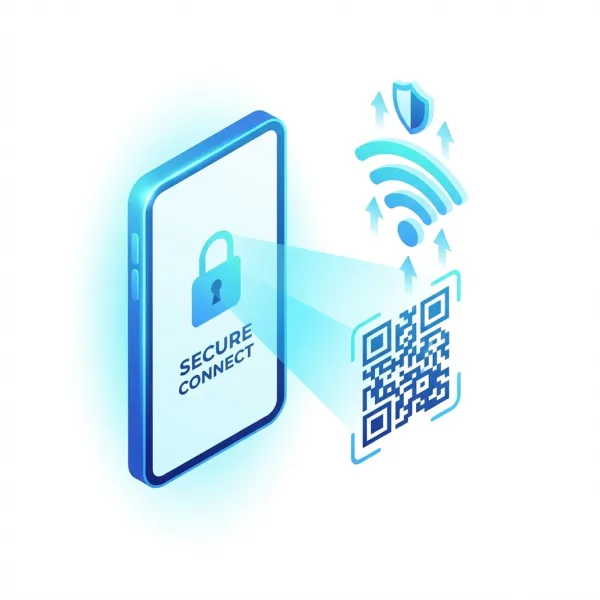
Secure Wi-Fi Sharing

Stop shouting passwords across the room. Generate a secure Wi-Fi QR code that guests can scan to join instantly.

  • Privacy First: Password encoded locally, never sent to servers.
  • Secure: Prevents "shoulder surfing" of typed passwords.
Secure Wi-Fi QR Code

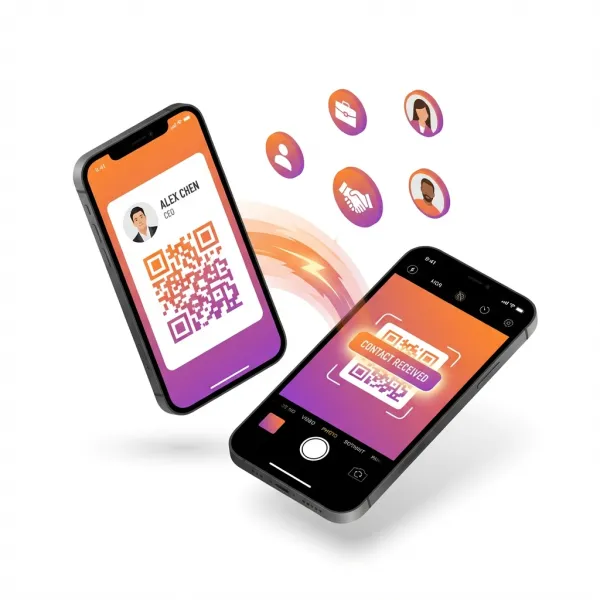
Next-Gen Networking

A Digital Business Card is the digital equivalent of a handshake. One scan instantly saves your Name, Number, Email, and Title directly to their contacts.

  • Zero Errors: No more typos in phone numbers.
  • Professional: Stand out at conferences and meetings.
vCard Networking

Boost Digital Engagement

Drive traffic where it matters. Perfect for Instagram followers, Google Reviews, or launching a new website from offline print media.

Social Media Growth

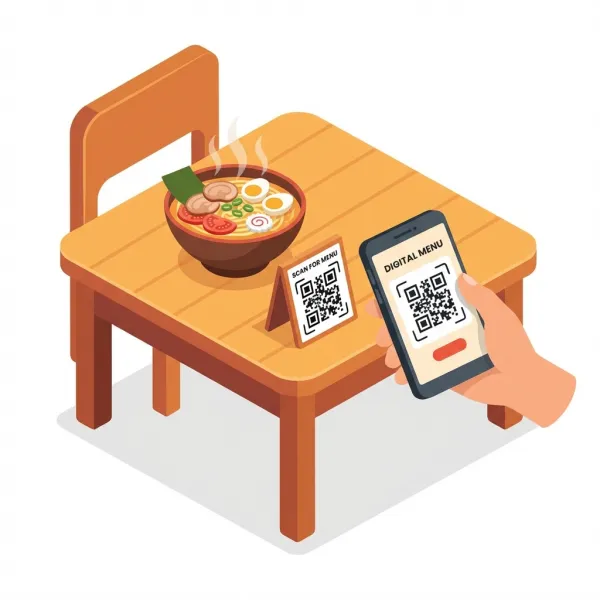
Contactless Digital Menus

Hygienic, instant, and editable. Link your QR code to a PDF or Drive file once, and update the file anytime without re-printing the code.

  • Cost Saving: Eliminate printing costs for menu updates.
  • Dynamic: Change prices or items instantly in the cloud.
Digital Menu QR

Pro Printing Tips

High Contrast Ensure the code is dark and background is light.
Minimum Size At least 2x2 cm (0.8 in) for reliable scanning.
Avoid Blur Always use vector or high-res PNGs (like ours).

Frequently Asked Questions

Is this QR code generator really free?

Yes, OmniQRHub is 100% free. Unlike other generators that trap you with trial periods, every QR code you make is static, so there are no scanning limits, no hidden costs, and they never expire. Everything runs locally in your browser.

How to install OmniQRHub on iOS?

Open omniqrhub.com in Safari on your iPhone. Tap the Share button (box with an arrow up). Scroll down and tap 'Add to Home Screen'. Tap 'Add' in the top right corner.

How to install OmniQRHub on Android?

Open omniqrhub.com in Chrome. Tap the Menu icon (three dots in top right). Tap 'Install App' or 'Add to Home screen'. Follow the on-screen prompts.

Why does it take time to load or download?

To guarantee 100% privacy, we do not send your data to any server. All PDF and image generation happens locally on your device using your browser's processing power. Your personal data never leaves your phone or computer.

Which browser works best for OmniQRHub?

OmniQRHub is optimized for modern browsers. We recommend Google Chrome, Safari, Microsoft Edge, or Firefox. Very old browsers like Internet Explorer may not support the privacy-first local generation features.